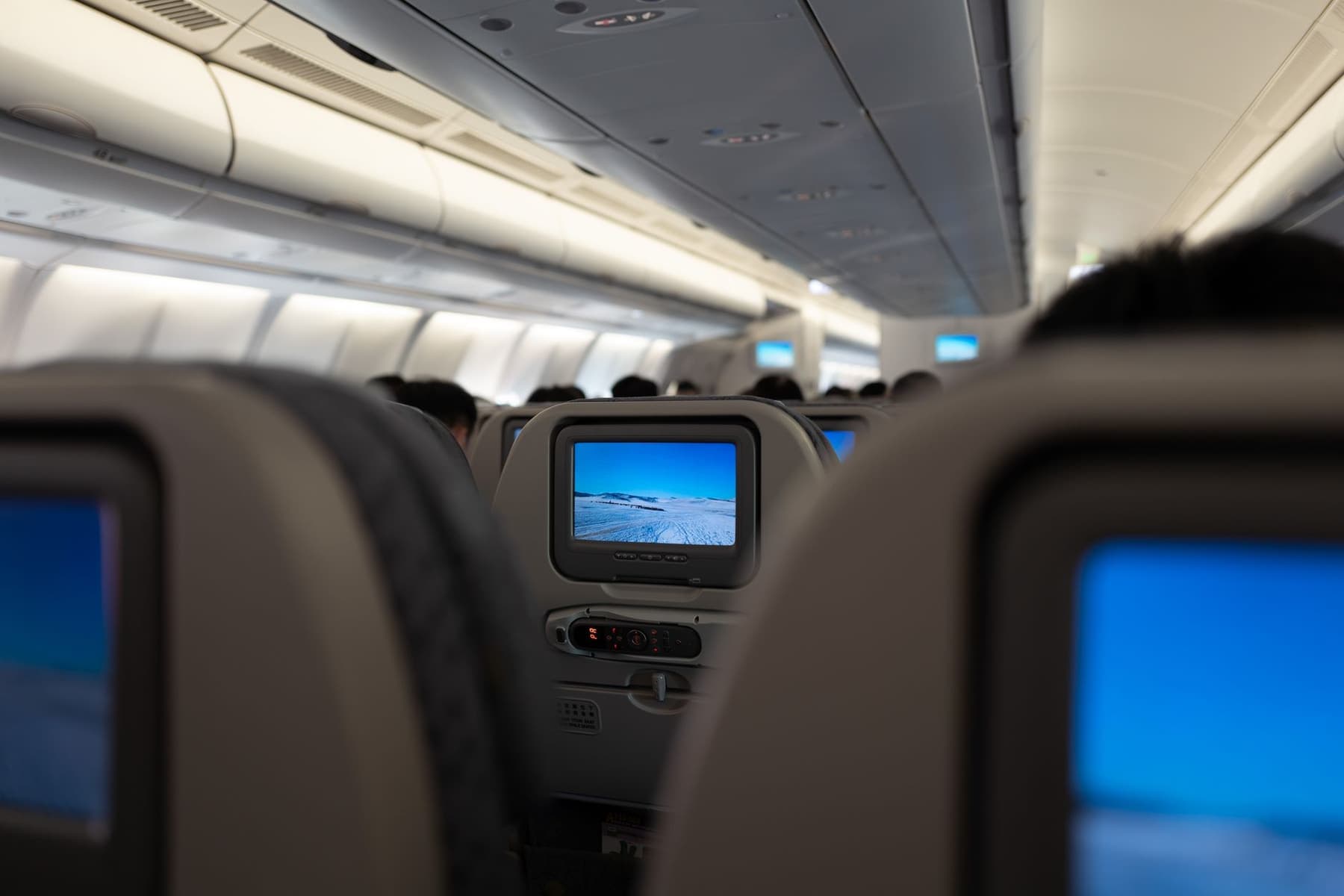
Probably not enough to see. Qualcomm’s own product brief rates aptX Adaptive at “low system latency — between approximately 50 and 80ms depending on implementation”, and ITU-R Recommendation BT.1359-1 puts the threshold at which a viewer detects audio lagging the picture at about 125 ms. A modern transmitter therefore sits inside the detection threshold with margin. A cable has no latency at all, which is why it remains the exact answer if you are sensitive to this.
The two numbers
What each side of this actually measures
This question is usually answered with opinions. It does not have to be, because both halves are published.
What Bluetooth adds
Qualcomm’s aptX Adaptive product brief separates two figures, and the distinction matters. Codec latency — the time the encoder and decoder themselves take — is given as 1.4 to 2.0 ms for aptX Adaptive, and 1.8 to 2.0 ms for aptX HD and aptX for Bluetooth. That is negligible.
System latency is the real-world figure, covering everything from source to your ear, and Qualcomm states it as “between approximately 50 and 80ms depending on implementation”. The same document gives a typical bit rate of 279 to 420 kbps. When people quote a single millisecond number for Bluetooth they are usually quoting the codec figure, which is why the claims you see vary so wildly.
What a human notices
ITU-R Recommendation BT.1359-1, “Relative timing of sound and vision for broadcasting”, sets the threshold of detectability at 45 ms when audio leads the picture and about 125 ms when audio lags it. Audio is far more forgiven when it arrives late than early, which is fortunate, because a wireless headphone can only ever be late.
| Figure | Value | Source |
|---|---|---|
| aptX Adaptive codec latency | 1.4 - 2.0 ms | Qualcomm product brief |
| aptX HD codec latency | 1.8 - 2.0 ms | Qualcomm product brief |
| aptX Adaptive system latency | approx. 50 - 80 ms | Qualcomm product brief |
| aptX Adaptive typical bit rate | 279 - 420 kbps | Qualcomm product brief |
| Detectable when audio lags picture | approx. 125 ms | ITU-R BT.1359-1 |
| Detectable when audio leads picture | approx. 45 ms | ITU-R BT.1359-1 |
| Wired analog connection | No codec, no buffer | n/a |
A modern transmitter adds roughly 50 to 80 ms. The threshold at which a viewer notices audio running late is about 125 ms. That is the whole answer.
The honest caveat
Why some people still see it
Three reasons, and none of them contradicts the numbers above.
- Thresholds are averages. The ITU figures came from experiments on newsreader footage, which is the most demanding case for lip sync. Individual sensitivity varies, and a minority of people sit well below the average.
- Not every link is aptX Adaptive. If either end falls back to SBC, which happens quietly and without telling you, you are no longer anywhere near the 50 to 80 ms figure. Both the transmitter and the headphone have to support the better codec.
- Latency stacks. The transmitter adds its own processing on top of the codec. Two devices from different manufacturers negotiate conservatively, which is the real argument for a matched transmitter-and-headphone pair.
There is also a useful shortcut for working out which group you are in: you already know. If wireless headphones have ever bothered you watching television at home, they will bother you on a plane. If they never have, this is not a problem you need to solve.
What to look for
Four things that decide whether lag shows up
- A stated codec on both ends. aptX Adaptive, aptX HD or aptX Low Latency on the transmitter is worth nothing unless the headphone supports it too. Check both product pages, not one.
- Bluetooth 5.3 rather than an older radio. Not because the version number sets latency directly, but because the newer radios are the ones implementing the adaptive codecs well.
- A matched pair, where you can get one. One manufacturer tuning both ends beats two devices negotiating a lowest common denominator.
- A 3.5 mm socket as the escape hatch. The only guaranteed fix. If lip sync is a thing you know bothers you, buy a headphone with a socket and carry the cable — and prefer one that ships the cable in the box.
A related confusion
USB-C adapters do not help here
A frequent assumption is that a USB-C to 3.5 mm adapter solves seat-screen audio for a wireless headphone. It does not, because it works in the wrong direction: it takes digital audio out of a phone and makes it analog. The airline socket is already an analog output, so there is nothing for the adapter to do.
What you need from the seat is either an analog cable into a headphone with a 3.5 mm socket, or a transmitter that converts that analog output to Bluetooth. Bluetooth headphones and in-flight entertainment sets out all three routes, and airplane headphone jack adapters covers the twin-socket seats that still exist.
In short
Key takeaways
- Qualcomm rates aptX Adaptive system latency at approximately 50 to 80 ms, depending on implementation.
- Its codec latency alone is 1.4 to 2.0 ms — that is the figure people usually quote, and it is not the real-world one.
- ITU-R BT.1359-1 puts the detection threshold at about 125 ms when audio lags the picture, 45 ms when it leads.
- So a modern transmitter sits inside the threshold with margin, which is why most people never see drift.
- A link that falls back to SBC is nowhere near those figures. Both ends have to support the better codec.
- A wired analog connection has no codec and no buffer, which makes a 3.5 mm socket the guaranteed fix.
At a glance
Quick picks
Scores are our editorial judgment from published specifications and cited third-party measurements, not our own testing. The rubric is published in full. Tap any row for the full write-up.
| # | Product | Best for | Score | Price |
|---|---|---|---|---|
| 1 |  Twelve South AirFly Pro 2The single accessory that makes any wireless headphone work with a seatback screen: plug it into the airline jack and it sends the audio to your headphones over Bluetooth. | The transmitter to buy | 9.09.0 out of 10, our editorial score | |
| 2 |  JBL Tour One M3The only headphone here that ships with the answer to the airline-jack problem in the box: the Smart Tx transmitter plugs into the seat and sends the movie to your headphones over Bluetooth. | Transmitter and headphone matched | 8.78.7 out of 10, our editorial score | |
| 3 | 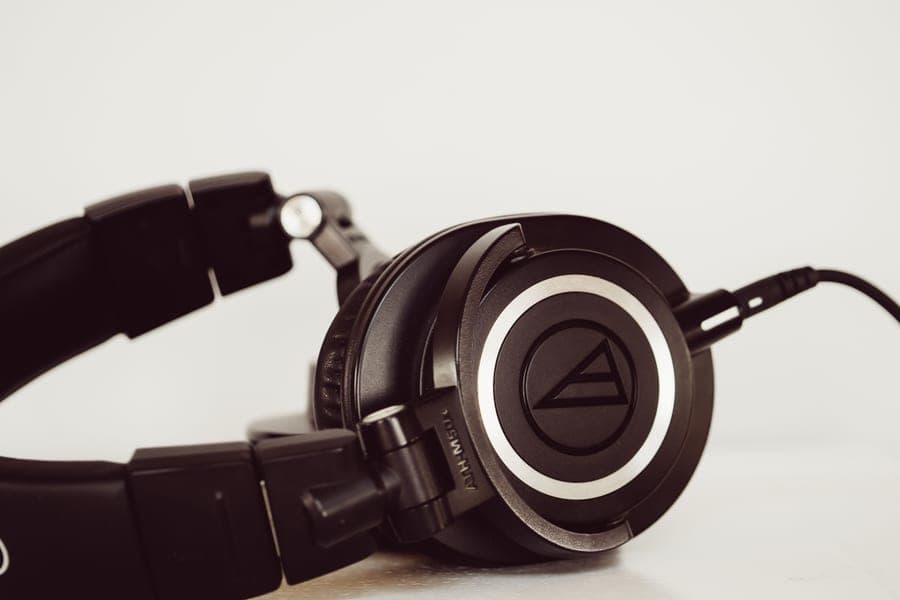 Bose QuietComfort Ultra Headphones (2nd Gen)The quietest cabin of anything here, and the only over-ear in this group whose box already contains the audio cable a seatback screen needs. | The zero-latency route, in the box | 9.09.0 out of 10, our editorial score | |
| 4 | 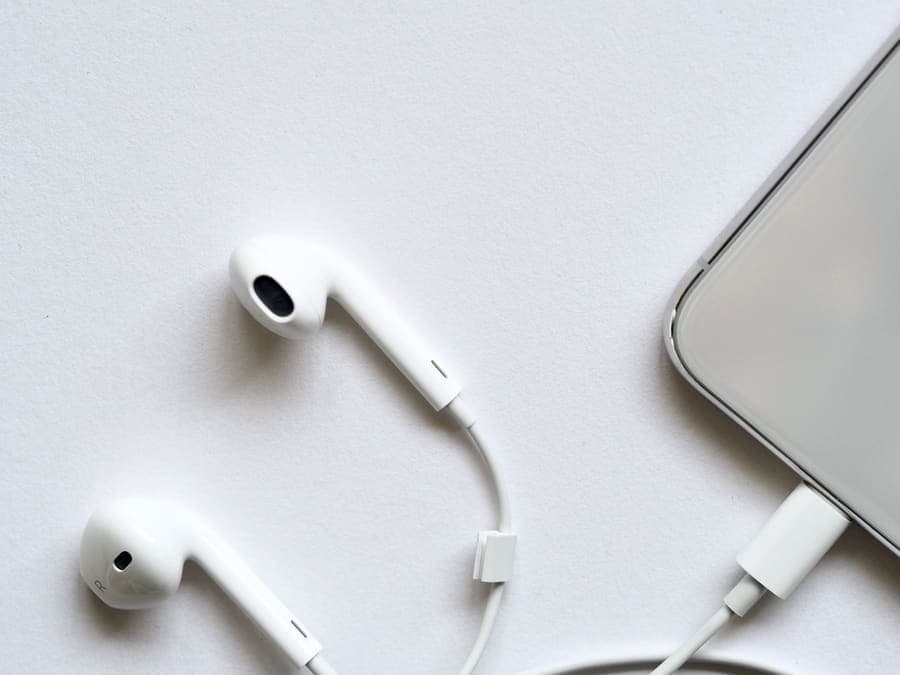 Sennheiser IE 200A wired in-ear monitor with a published specification sheet rather than a marketing number: 4 g per side, a 7 mm dynamic driver and tips you can mount two ways to change the bass. | Exact, with nothing to charge | 8.78.7 out of 10, our editorial score |
#ad Amazon links are affiliate links. No live price is shown anywhere on this site, so every button reads “Check price on Amazon”. How this is funded.
The picks in full
Every pick, in detail
1. The transmitter to buy
Twelve South AirFly Pro 2
The single accessory that makes any wireless headphone work with a seatback screen: plug it into the airline jack and it sends the audio to your headphones over Bluetooth.
Our editorial score: 9.0 / 10
#ad Live price not shown. How this is funded
Also sold direct by Twelve South — we earn nothing there, so check both.
Twelve South specifies Bluetooth 5.3 with aptX HD Adaptive, which is the codec family Qualcomm rates at approximately 50 to 80 ms of system latency — inside the ITU detection threshold discussed above.
25+ rated hours, about two hours to a full charge over USB-C, transmitter and receiver modes, and it pairs two sets of headphones so two people can watch one screen. A single 3.5 mm plug.
Twelve South is candid that it adds a small amount of latency, which shows on lip sync for some people. It is also one more object to charge and not lose, and older twin-socket seats still want a two-prong adapter.
What works on a plane
- 25+ rated hours outlasts any single flight you will ever take
- Pairs two sets of headphones, so two people can watch one screen
- Receiver mode makes it useful in a rental car with only an aux input
- Works with any Bluetooth headphone, so it outlives whatever you own now
What does not
- One more small object to charge and not lose
- Adds a small amount of latency, which shows on lip sync for some people
- A single 3.5 mm plug, so older twin-socket seats still want a two-prong adapter
How it scores against the five travel axes
Published specifications
| Spec | Figure | Source |
|---|---|---|
| Battery | 25+ hours | Twelve South |
| Full charge | About 2 hours via USB-C | Twelve South |
| Bluetooth | 5.3, aptX HD Adaptive | Twelve South |
| Modes | Transmitter and receiver | Twelve South |
| Pairing | Two sets of headphones at once | Twelve South |
| Connection | 3.5 mm AUX | Twelve South |
2. Transmitter and headphone matched
JBL Tour One M3
The only headphone here that ships with the answer to the airline-jack problem in the box: the Smart Tx transmitter plugs into the seat and sends the movie to your headphones over Bluetooth.
Our editorial score: 8.7 / 10
#ad Live price not shown. How this is funded
Also sold direct by JBL — we earn nothing there, so check both.
The way to minimize latency within a wireless setup is to stop mixing vendors. The Tour One M3 ships with JBL’s own Smart Tx transmitter, so the link is one manufacturer tuning both ends rather than two devices negotiating a lowest common denominator.
Up to 70 rated hours on Bluetooth and up to 40 with canceling on, five minutes of charge for five hours, 278 g, and both a USB-C-to-3.5 mm and a USB-C-to-USB-C cable in the box.
The Smart Tx is still a small object that needs its own charge, and the canceling is very good rather than class-leading.
What works on a plane
- The Smart Tx transmitter solves in-flight entertainment without a separate purchase
- Up to 40 rated hours with canceling on, comfortably over a long-haul plus layover
- Five minutes of charge buys five hours
- Both a 3.5 mm and a USB-C wired path in the box
What does not
- The Smart Tx is one more small object to lose, and it needs its own charge
- 278 g sits between the Sony and the Sennheiser without beating either at their own game
- Noise canceling is very good rather than class-leading
How it scores against the five travel axes
Published specifications
| Spec | Figure | Source |
|---|---|---|
| Battery, Bluetooth | Up to 70 hours | JBL |
| Battery, ANC on | Up to 40 hours | JBL |
| Quick charge | 5 minutes gives 5 hours | JBL |
| Battery cell | 850 mAh, full charge approx. 2 hours | JBL |
| Weight | 278 g | JBL |
| Smart Tx | Transmitter streams from non-Bluetooth sources including in-flight entertainment | JBL |
| In the box | USB-C-to-3.5 mm and USB-C-to-USB-C cables, USB-C to USB-A adapter | JBL |
3. The zero-latency route, in the box
Bose QuietComfort Ultra Headphones (2nd Gen)
The quietest cabin of anything here, and the only over-ear in this group whose box already contains the audio cable a seatback screen needs.
Our editorial score: 9.0 / 10
#ad Live price not shown. How this is funded
Also sold direct by Bose — we earn nothing there, so check both.
If latency genuinely bothers you, the answer is not a better radio, it is a cable. A wired analog connection has no codec and no buffer, so there is nothing to add delay.
This is the only over-ear in this group whose box already contains what that needs: a 2.5 mm-to-3.5 mm audio cable, alongside a hard case and a USB-C cable. Up to 30 rated hours with canceling on, up to 45 with it off.
Plugged in you are using the canceling and the drivers but not the Bluetooth, which also means no Immersive Audio — and that is the mode that would otherwise cost you a third of the battery anyway.
What works on a plane
- The best low-frequency canceling in this group, which is exactly the band engine drone lives in
- The 2.5 mm-to-3.5 mm cable is in the box, so a seatback screen needs nothing extra
- Compact hard case for a full-size over-ear
- Up to 45 hours with canceling off, if you only want isolation on a train
What does not
- Immersive Audio costs you a third of the battery, dropping to 23 rated hours
- Heavier than the Sony by roughly 10 g, and clamp is firmer out of the box
- The hard case is compact but still rigid, so it will not squash into a full bag
How it scores against the five travel axes
Published specifications
| Spec | Figure | Source |
|---|---|---|
| Battery, ANC on | Up to 30 hours | Bose |
| Battery, ANC off | Up to 45 hours | Bose |
| Battery, Immersive Audio on | Up to 23 hours | Bose |
| Weight | Approx. 264 g (9.3 oz) as reported | Published reviews |
| USB-C audio | 16-bit, 44.1 or 48 kHz lossless input | Bose support |
| In the box | Hard case, USB-C cable, 2.5 mm-to-3.5 mm audio cable | Bose |
| Folds | Earcups rotate flat into a compact hard case | Bose |
Read the full Bose QuietComfort Ultra Headphones (2nd Gen) review
4. Exact, with nothing to charge
Sennheiser IE 200
A wired in-ear monitor with a published specification sheet rather than a marketing number: 4 g per side, a 7 mm dynamic driver and tips you can mount two ways to change the bass.
Our editorial score: 8.7 / 10
#ad Live price not shown. How this is funded
Also sold direct by Sennheiser — we earn nothing there, so check both.
The simplest zero-latency option: a wired in-ear with a 3.5 mm angled plug that goes straight into the airline socket. No pairing, no codec negotiation, no buffer, nothing to charge.
4 g a side, a 7 mm dynamic driver, 6 Hz to 20,000 Hz, 16 ohms, total harmonic distortion under 0.08 percent, and a detachable 1.2 m braided cable on MMCX connectors. Listed at $159.95.
No canceling at all, so the engine drone is still there, and no microphone. For watching a film specifically that matters less than it sounds, because dialogue is the thing you are listening to and the seal handles the higher frequencies.
What works on a plane
- A real specification sheet with distortion and impedance figures, which most earbuds never publish
- 4 g per side and no battery, so it never runs out and never degrades
- Detachable MMCX cable means a frayed cable is a repair rather than a replacement
- Two tip-mounting positions change the bass without an app or an EQ
What does not
- Wired, so there is a cable in your lap and no Bluetooth on a plane without an adapter
- No active noise canceling at all — isolation comes entirely from the tip seal
- No microphone on the stock cable, so it is not a call headset
How it scores against the five travel axes
Published specifications
| Spec | Figure | Source |
|---|---|---|
| Frequency response | 6 - 20,000 Hz | Sennheiser |
| Impedance | 16 ohm (18 ohm with cable) | Sennheiser |
| Sound pressure level | 119 dB (1 kHz, 1 Vrms) | Sennheiser |
| Distortion | THD < 0.08 % | Sennheiser |
| Transducer | 7 mm dynamic, closed | Sennheiser |
| Weight | 4 g | Sennheiser |
| Cable | 1.2 m braided, MMCX connectors, 3.5 mm angled plug | Sennheiser |
| List price | $159.95 at the time of writing | Sennheiser |
Questions
Common questions
Will Bluetooth audio be out of sync with the in-flight movie?
Usually not noticeably. Qualcomm rates aptX Adaptive at roughly 50 to 80 ms of system latency, and ITU-R BT.1359-1 puts the threshold at which viewers detect audio lagging the picture at about 125 ms. A modern transmitter therefore sits inside the threshold with margin.
How much latency does the AirFly Pro 2 add?
Twelve South does not publish a millisecond figure, so we will not invent one. It specifies Bluetooth 5.3 with aptX HD Adaptive, and Qualcomm rates that codec family at approximately 50 to 80 ms of system latency. Twelve South states plainly that it adds a small amount of latency, which shows on lip sync for some people.
What is the difference between codec latency and system latency?
Codec latency is only the encode and decode step — 1.4 to 2.0 ms for aptX Adaptive, which is negligible. System latency is the whole path from source to your ear, which Qualcomm gives as approximately 50 to 80 ms. The second one is what you would actually perceive, and it is the figure to use.
How do I get zero latency on a plane?
Use a cable. A wired analog connection has no codec and no buffer, so there is nothing to add delay. That means a headphone with a 3.5 mm socket plus the audio cable, or a wired in-ear that plugs straight into the seat. Some over-ears ship the cable; several flagships do not.
Does a low-latency codec matter if my headphones do not support it?
No. Both ends have to support the same codec or the link falls back to something basic such as SBC, which it will do quietly and without telling you. A transmitter advertising aptX Adaptive gives you nothing if the headphone cannot speak it.
Why do some people notice lag when the numbers say they should not?
Because the ITU thresholds are averages taken from newsreader footage, which is the hardest case for lip sync, and individual sensitivity varies. Add a codec fallback or two mismatched devices stacking their own processing and the real figure can be well above the rated one.
Sources
Where these figures come from
- Qualcomm aptX Adaptive Audio Technology product brief, 87-CE932-1 Rev A (codec latency 1.4-2.0 ms, system latency approximately 50-80 ms, 279-420 kbps)
- ITU-R Recommendation BT.1359-1, Relative timing of sound and vision for broadcasting (detectability thresholds)
- Twelve South AirFly Pro 2 product page (Bluetooth 5.3, aptX HD Adaptive, 25+ hours)
- JBL Tour One M3 product page (Smart Tx transmitter, battery, weight, in the box)
- Bose QuietComfort Ultra Headphones (2nd Gen) product page (audio cable in the box)
- Sennheiser IE 200 specifications (cable, plug, distortion, list price $159.95)
Read next
Related reading
- Bluetooth headphones and in-flight entertainment
The three routes from a seatback socket to a wireless headphone.
- Twelve South AirFly Pro 2 review
The transmitter most people end up buying, assessed in full.
- Airplane headphone jack adapters
Twin-socket seats, two-prong adapters, and what still needs one.
- Best headphones for in-flight entertainment
Which headphones handle the seat screen with nothing extra to buy.
- Best wired headphones for flights
The route with no latency at all, and what it costs you.