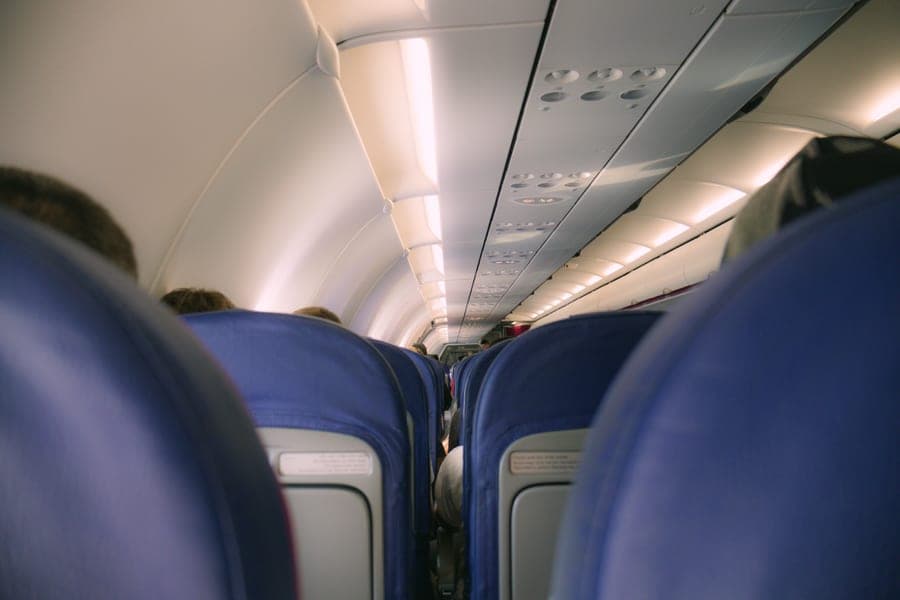
You cannot pair Bluetooth headphones with an airplane seatback screen because the seat has a wired 3.5 mm audio output and no Bluetooth transmitter. There is nothing to pair with, and no setting on your phone or headphones changes that. The three ways round it are a 3.5 mm cable (if your headphones have a socket), a small Bluetooth transmitter plugged into the seat jack, or the airline’s own supplied earbuds.
The core fact
There is nothing to pair with
This is worth stating plainly because the search history around it is full of people assuming they have done something wrong. You have not. Your headphones are fine. Your phone is fine. The seat does not transmit Bluetooth.
In-flight entertainment systems output audio through a physical jack in the armrest or the seatback, and that is their only audio output. There is no radio to discover, no code to enter, and no crew member who can enable it.
If you have spent ten minutes in a Bluetooth settings menu at 35,000 feet, this is the page that gives you those ten minutes back.
Why airlines have not fixed it
Four reasons this persists
It is easy to assume laziness. The actual reasons are more interesting and they explain why this is not changing quickly.
- Certification. Anything installed in an aircraft cabin that transmits radio has to be certified as safe and non-interfering, per aircraft type. That is a slow and expensive process for a feature that earns nothing.
- Retrofit cost. Seatback systems are installed at cabin refit, and cabins are refitted on cycles measured in years. Even a decided change propagates slowly across a fleet.
- Pairing at scale. Three hundred passengers each pairing to their own seat, in a metal tube, with hundreds of other Bluetooth devices in range, is a genuinely hard radio-engineering problem rather than a trivial one.
- No revenue. A wired jack works, costs almost nothing, and never needs pairing support from cabin crew. There is no commercial case for replacing it.
Some airlines have begun adding Bluetooth-capable seatback systems on newer aircraft and premium cabins, and the trend is real. But it is aircraft-by-aircraft rather than airline-by-airline, so you cannot rely on it — which means carrying your own solution remains the right approach.
The three routes
What you can actually do
- A 3.5 mm cable. Works if your over-ear has a socket. Zero latency, nothing to charge, cheapest. The downside is a cable across your tray table, and it is unavailable to earbud users because no noise-canceling earbud has a socket.
- A Bluetooth transmitter in the seat jack. Works with anything, including earbuds. Keeps your canceling, no cable, and dual-pairing models let two people share a screen. The downsides are one more thing to charge and a small amount of latency.
- The airline’s own earbuds. Free and already there. Poor sound, no canceling, and frequently uncomfortable — but a legitimate fallback if you have forgotten everything else.
| Route | Works with earbuds | Latency | Needs charging | Cost |
|---|---|---|---|---|
| 3.5 mm cable | No | None | No | Very low |
| Bluetooth transmitter | Yes | Slight | Yes | Low |
| Airline earbuds | n/a | None | No | Free |
Best headphones for in-flight entertainment ranks the products for each route.
The second gotcha
Some seats want two prongs
Older aircraft use a twin-socket arrangement dating from when airlines supplied dual-pin headsets. A standard 3.5 mm plug will physically enter one hole and give you audio in one ear or none, which is confusing the first time.
A two-prong adapter costs very little, weighs nothing, and should live in your headphone case permanently. These seats survive mostly on older airframes, which fly disproportionately on regional and secondary routes — so the leg that catches you out is often the short hop at the end of a long itinerary rather than the long-haul itself. Airplane headphone jack adapters covers what to buy.
Latency
Will Bluetooth audio be out of sync with the picture?
Every wireless link adds latency. The honest position is that most people never notice it on film audio, and a minority find it visible on lip sync — and you probably already know which group you are in from watching television with wireless headphones at home.
Modern transmitters using Bluetooth 5.3 with aptX HD Adaptive keep it low. If you are sensitive to it, a cable is exact and that is a genuine argument for choosing a headphone that ships one.
A common confusion
USB-C adapters do not help here
Worth addressing directly because it is a frequently searched combination. Aircraft seats output analogue 3.5 mm audio. They do not have USB-C audio outputs, so a USB-C to 3.5 mm adapter does nothing for the seatback screen.
That adapter solves the opposite problem: connecting wired earbuds to a phone or tablet that has no headphone socket. Useful on a plane if you are watching your own downloads with wired earbuds; useless for the airline’s library.
The one exception is the Apple AirPods Max, which has no 3.5 mm socket of its own. To reach a seatback screen it needs a USB-C to 3.5 mm adapter on the headphone side plus a cable — two items, neither supplied.
What to actually pack
The permanent kit
Three small things, in the headphone case, permanently. None of them weighs anything and between them they cover every aircraft you will board.
- The audio cable, if your headphone came with one. If it did not, a cheap 3.5 mm cable.
- A two-prong airline adapter, for older seats.
- A Bluetooth transmitter, if you use earbuds or want to avoid the cable entirely.
The entire problem with all three is remembering them, and the solution is structural rather than a matter of willpower: they live in the case and never come out. Travel headphone cases covers which cases have a pocket for exactly this.
In short
Key takeaways
- The seat has a wired 3.5 mm output and no Bluetooth transmitter. There is nothing to pair with.
- Airlines have not fixed it because of certification cost, refit cycles, pairing at scale, and no revenue.
- Three routes: a cable, a transmitter in the seat jack, or the airline's own earbuds.
- Earbud users have no cable option at all — a transmitter is the mechanism, not a workaround.
- Older twin-socket seats want a two-prong adapter, and the leg that catches you out is usually the short one.
- USB-C to 3.5 mm adapters solve a phone problem, not a seatback problem.
At a glance
Quick picks
Scores are our editorial judgment from published specifications and cited third-party measurements, not our own testing. The rubric is published in full. Tap any row for the full write-up.
| # | Product | Best for | Score | Price |
|---|---|---|---|---|
| 1 | 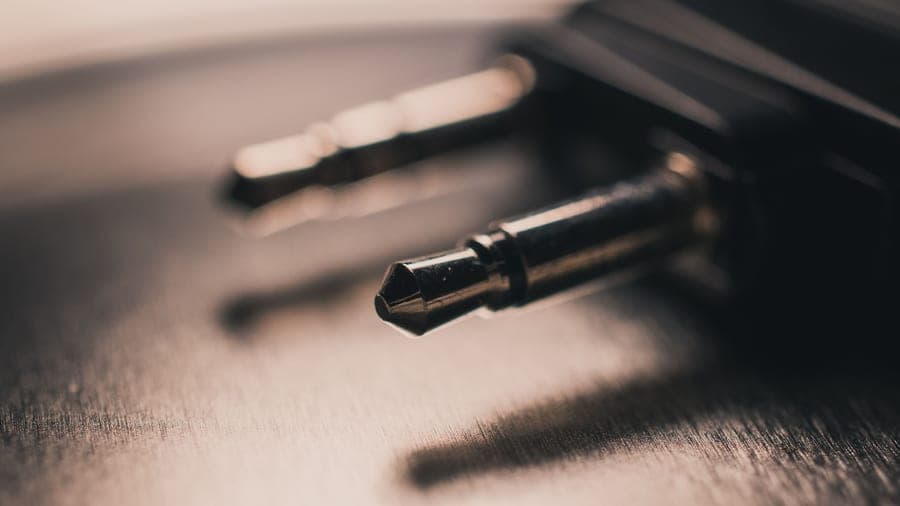 Twelve South AirFly Pro 2The single accessory that makes any wireless headphone work with a seatback screen: plug it into the airline jack and it sends the audio to your headphones over Bluetooth. | The standard fix | 9.09.0 out of 10, our editorial score | |
| 2 |  JBL Tour One M3The only headphone here that ships with the answer to the airline-jack problem in the box: the Smart Tx transmitter plugs into the seat and sends the movie to your headphones over Bluetooth. | If you are buying headphones anyway | 8.78.7 out of 10, our editorial score | |
| 3 | 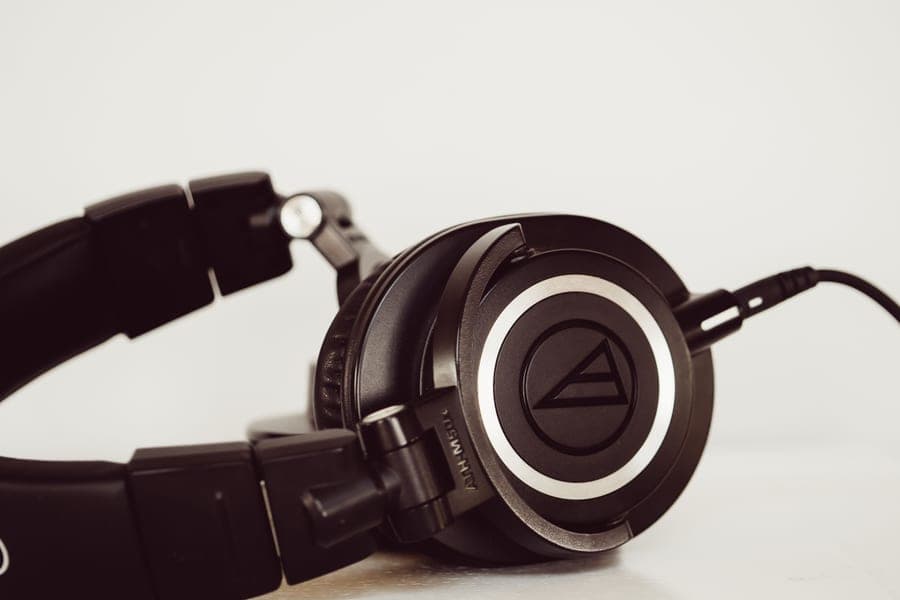 Bose QuietComfort Ultra Headphones (2nd Gen)The quietest cabin of anything here, and the only over-ear in this group whose box already contains the audio cable a seatback screen needs. | If you would rather use a cable | 9.09.0 out of 10, our editorial score | |
| 4 | 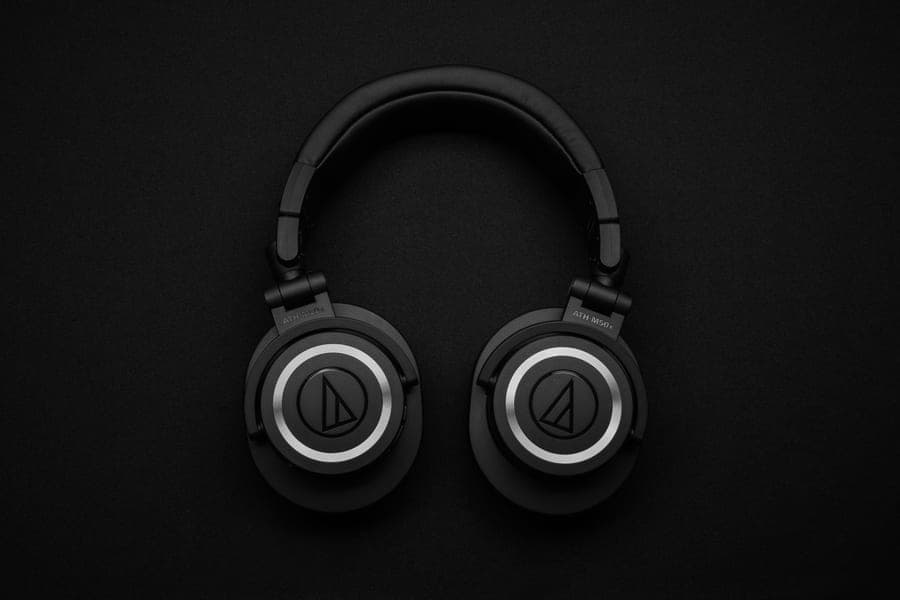 Soundcore Space Q45Fifty rated hours with canceling on, a hard case and a 3.5 mm cable in the box, at a fraction of flagship money. The compromise is in the last 10 percent of quiet, not the first 80. | Cheapest complete solution | 8.28.2 out of 10, our editorial score |
#ad Amazon links are affiliate links. No live price is shown anywhere on this site, so every button reads “Check price on Amazon”. How this is funded.
The picks in full
Every pick, in detail
1. The standard fix
Twelve South AirFly Pro 2
The single accessory that makes any wireless headphone work with a seatback screen: plug it into the airline jack and it sends the audio to your headphones over Bluetooth.
Our editorial score: 9.0 / 10
#ad Live price not shown. How this is funded
Also sold direct by Twelve South — we earn nothing there, so check both.
The answer for headphones you already own. Plug it into the seatback jack and it becomes a Bluetooth transmitter your headphones can pair with. For earbud users, who have no wired option at all, this is not an alternative — it is the mechanism.
25+ rated hours is the specification that separates a good transmitter from a bad one: a unit rated at five or six hours dies during the second film. Dual pairing lets two people share one screen at independent volumes.
What works on a plane
- 25+ rated hours outlasts any single flight you will ever take
- Pairs two sets of headphones, so two people can watch one screen
- Receiver mode makes it useful in a rental car with only an aux input
- Works with any Bluetooth headphone, so it outlives whatever you own now
What does not
- One more small object to charge and not lose
- Adds a small amount of latency, which shows on lip sync for some people
- A single 3.5 mm plug, so older twin-socket seats still want a two-prong adapter
How it scores against the five travel axes
Published specifications
| Spec | Figure | Source |
|---|---|---|
| Battery | 25+ hours | Twelve South |
| Full charge | About 2 hours via USB-C | Twelve South |
| Bluetooth | 5.3, aptX HD Adaptive | Twelve South |
| Modes | Transmitter and receiver | Twelve South |
| Pairing | Two sets of headphones at once | Twelve South |
| Connection | 3.5 mm AUX | Twelve South |
2. If you are buying headphones anyway
JBL Tour One M3
The only headphone here that ships with the answer to the airline-jack problem in the box: the Smart Tx transmitter plugs into the seat and sends the movie to your headphones over Bluetooth.
Our editorial score: 8.7 / 10
#ad Live price not shown. How this is funded
Also sold direct by JBL — we earn nothing there, so check both.
The only headphone on sale that ships the fix in the box. JBL’s Smart Tx transmitter plugs into the seat jack and streams to the headphones, and JBL names in-flight entertainment systems specifically as the use case.
Also included: a USB-C-to-3.5 mm cable, a USB-C-to-USB-C cable and a USB-C-to-USB-A adapter. Four routes to audio, one purchase, one case.
What works on a plane
- The Smart Tx transmitter solves in-flight entertainment without a separate purchase
- Up to 40 rated hours with canceling on, comfortably over a long-haul plus layover
- Five minutes of charge buys five hours
- Both a 3.5 mm and a USB-C wired path in the box
What does not
- The Smart Tx is one more small object to lose, and it needs its own charge
- 278 g sits between the Sony and the Sennheiser without beating either at their own game
- Noise canceling is very good rather than class-leading
How it scores against the five travel axes
Published specifications
| Spec | Figure | Source |
|---|---|---|
| Battery, Bluetooth | Up to 70 hours | JBL |
| Battery, ANC on | Up to 40 hours | JBL |
| Quick charge | 5 minutes gives 5 hours | JBL |
| Battery cell | 850 mAh, full charge approx. 2 hours | JBL |
| Weight | 278 g | JBL |
| Smart Tx | Transmitter streams from non-Bluetooth sources including in-flight entertainment | JBL |
| In the box | USB-C-to-3.5 mm and USB-C-to-USB-C cables, USB-C to USB-A adapter | JBL |
3. If you would rather use a cable
Bose QuietComfort Ultra Headphones (2nd Gen)
The quietest cabin of anything here, and the only over-ear in this group whose box already contains the audio cable a seatback screen needs.
Our editorial score: 9.0 / 10
#ad Live price not shown. How this is funded
Also sold direct by Bose — we earn nothing there, so check both.
A cable has two real advantages over a transmitter: zero latency, so lip sync is exact, and nothing to charge. The Bose is the top-tier-canceling headphone that ships one — a 2.5 mm-to-3.5 mm cable in a pocket in the case lid.
Note the connector: 2.5 mm on the headphone side, which is uncommon, so keep the supplied cable rather than expecting a generic aux lead to replace it.
What works on a plane
- The best low-frequency canceling in this group, which is exactly the band engine drone lives in
- The 2.5 mm-to-3.5 mm cable is in the box, so a seatback screen needs nothing extra
- Compact hard case for a full-size over-ear
- Up to 45 hours with canceling off, if you only want isolation on a train
What does not
- Immersive Audio costs you a third of the battery, dropping to 23 rated hours
- Heavier than the Sony by roughly 10 g, and clamp is firmer out of the box
- The hard case is compact but still rigid, so it will not squash into a full bag
How it scores against the five travel axes
Published specifications
| Spec | Figure | Source |
|---|---|---|
| Battery, ANC on | Up to 30 hours | Bose |
| Battery, ANC off | Up to 45 hours | Bose |
| Battery, Immersive Audio on | Up to 23 hours | Bose |
| Weight | Approx. 264 g (9.3 oz) as reported | Published reviews |
| USB-C audio | 16-bit, 44.1 or 48 kHz lossless input | Bose support |
| In the box | Hard case, USB-C cable, 2.5 mm-to-3.5 mm audio cable | Bose |
| Folds | Earcups rotate flat into a compact hard case | Bose |
Read the full Bose QuietComfort Ultra Headphones (2nd Gen) review
4. Cheapest complete solution
Soundcore Space Q45
Fifty rated hours with canceling on, a hard case and a 3.5 mm cable in the box, at a fraction of flagship money. The compromise is in the last 10 percent of quiet, not the first 80.
Our editorial score: 8.2 / 10
#ad Live price not shown. How this is funded
Also sold direct by Soundcore — we earn nothing there, so check both.
A 3.5 mm cable and a hard case in the box at a fraction of flagship money. If airline films are the reason you are buying headphones and the budget is tight, this is the cheapest route that needs nothing else on a modern seat.
Wired mode with the electronics off also draws essentially nothing, so a flat battery does not end your film.
What works on a plane
- Up to 50 rated hours with canceling on, which beats every flagship here
- Hard case and 3.5 mm cable included, so nothing else to buy for a seatback screen
- Five minutes of charge buys four hours, which covers a gate-side mistake
- The cheapest way to get genuinely useful drone reduction on a plane
What does not
- Soundcore's own 98 percent figure is a marketing claim, not a measurement, and the gap to Bose is audible
- 295 g with plainer pad materials, so hour four is less comfortable than the Sennheiser's
- Plastic build will not survive being crushed in an overhead bin the way the metal Apple would
How it scores against the five travel axes
Published specifications
| Spec | Figure | Source |
|---|---|---|
| Battery, ANC on | Up to 50 hours | Soundcore |
| Battery, ANC off | Up to 65 hours | Soundcore |
| Quick charge | 5 minutes gives 4 hours | Soundcore |
| Weight | Approx. 295 g (10.3 oz) | Soundcore / published reviews |
| Bluetooth | 5.3 | Soundcore |
| In the box | Hard-shell case, 3.5 mm cable, USB-C cable | Soundcore |
Questions
Common questions
Can you use Bluetooth headphones with in-flight entertainment?
Not directly. The seat has a wired 3.5 mm audio output and no Bluetooth transmitter, so there is nothing to pair with. You need either a cable, if your headphone has a socket, or a small Bluetooth transmitter plugged into the seat jack.
Why don't airplanes have Bluetooth for headphones?
Four reasons: anything transmitting radio in a cabin needs per-aircraft-type certification, seatback systems only change at cabin refit, pairing three hundred passengers in a metal tube is a hard radio problem, and a wired jack works and costs nothing. Some newer aircraft do now include it, aircraft by aircraft.
How do I connect AirPods to the airplane screen?
With a Bluetooth transmitter plugged into the seatback jack. AirPods and every other noise-canceling earbud have no wired option, so a transmitter is the only route. Look for one rated at 25+ hours — cheaper units die partway through a long flight.
Will the audio be out of sync with the picture?
Slightly, in principle. Most people never notice it on film audio; a minority see it on lip sync, and you probably know which you are from watching television with wireless headphones at home. Modern transmitters using Bluetooth 5.3 with aptX HD Adaptive keep it low. A cable is exact.
Do I need a special adapter for airplane headphone jacks?
On a modern single-socket seat, no — a standard 3.5 mm plug fits. Older aircraft use a twin-socket arrangement that needs a two-prong adapter, which costs very little and should live in your headphone case permanently.
Does a USB-C to 3.5 mm adapter work on a plane?
Not for the seatback screen. Aircraft seats output analogue 3.5 mm audio, so there is no USB-C output to adapt from. That adapter is for plugging wired earbuds into a phone with no headphone socket.
Can two people share one seatback screen?
With a transmitter that supports dual pairing, yes — two sets of headphones, separate volumes, separate noise canceling. That is much better than an airline splitter, which ties both people to one socket and one volume control.
Sources
Where these figures come from
- Twelve South AirFly Pro 2 product page (3.5 mm AUX transmitter, dual pairing, 25+ hours)
- JBL Tour One M3 product page (Smart Tx for non-Bluetooth sources including in-flight entertainment)
- Bose QuietComfort Ultra Headphones (2nd Gen) product page (2.5 mm-to-3.5 mm cable)
- Apple AirPods Max (USB-C) tech specs (no audio cable, no 3.5 mm socket)
Read next
Related reading
- Best headphones for in-flight entertainment
The products for each of the three routes, ranked.
- Airplane headphone jack adapters
Which of the four connectors you actually need.
- Best wired headphones for flights
Which headphones ship a cable and which do not.
- Best wired earbuds for flights
Why earbud users have no cable option at all.
- Can you use noise-canceling headphones on a plane?
The rules, which are not the thing stopping you.